 Billable
invoice items are items you create for billable expenses on a material
item above and beyond
the material item's base cost.
Billable
invoice items are items you create for billable expenses on a material
item above and beyond
the material item's base cost.Billable Invoice Item Entry
Billable
invoice items are items you create for billable expenses on a material
item above and beyond
the material item's base cost.
These additional expenses may include one
or more of the following:
Tax
Delivery charges
Freight charges
Palletization fees
Restocking fees
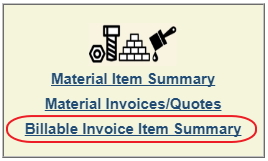
Click the Billable Invoice Item Summary link in the Contract Details toolbar. To edit an existing billable item, click its item number. To add a new Billable Invoice Item, click the action button.

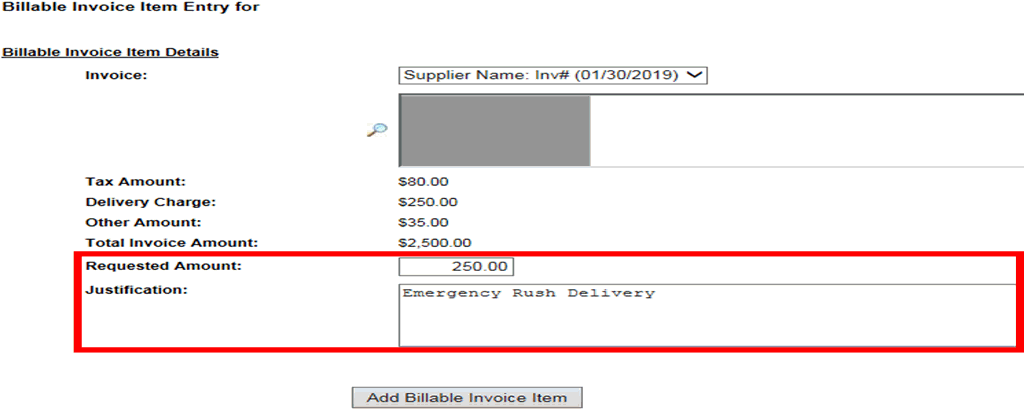
Select the invoice, enter the requested amount, and provide a descriptive justification for this billable invoice item. Then click the Add button to save the item.
The new item will then appear on your Billable Invoice Items list.